How it works
From your website to booked jobs.
Seven steps, all self-serve. No sales call, no onboarding meeting.
1
Start from your website
Enter your URL. Homivas reads your public site to draft your business name, services, service area, phone and colors — or start manually.
2
Confirm your brand
Review every fact. Only what you confirm is used. Add approved offers, licenses and real job photos with usage permissions.
3
Create ads and content
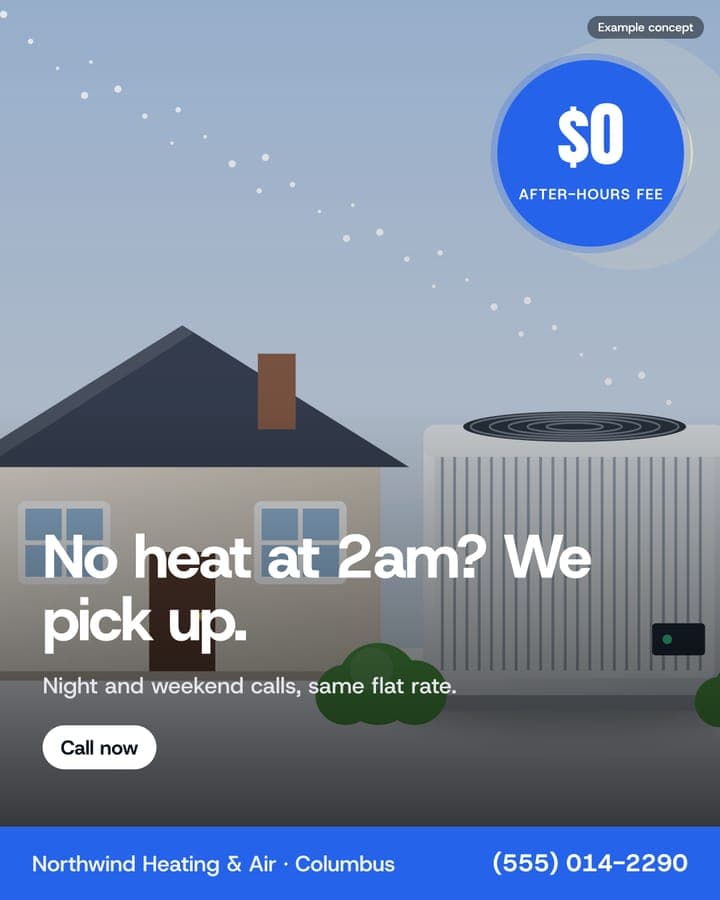
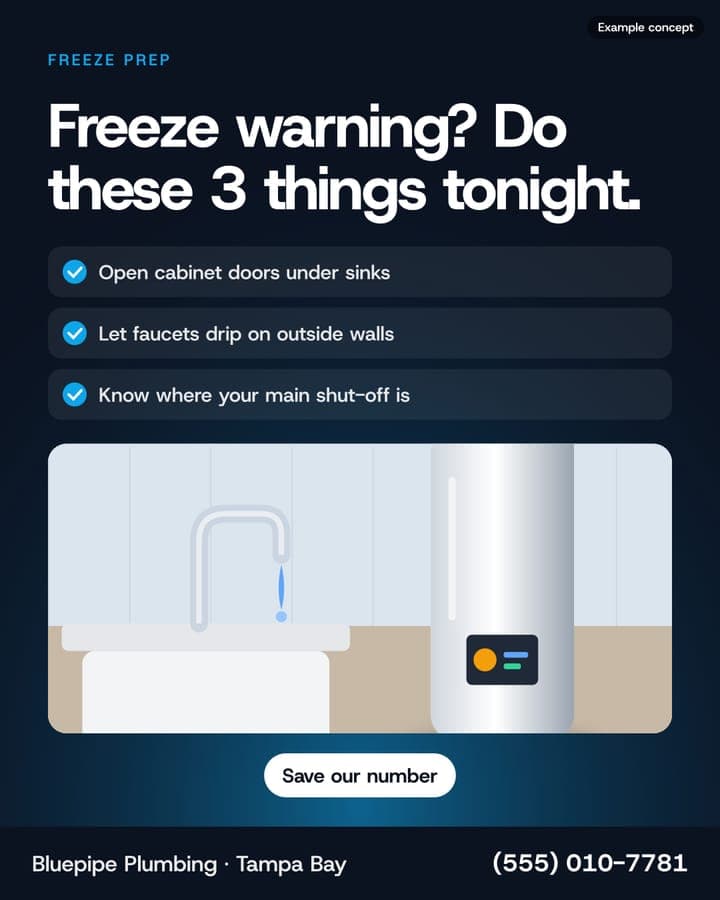
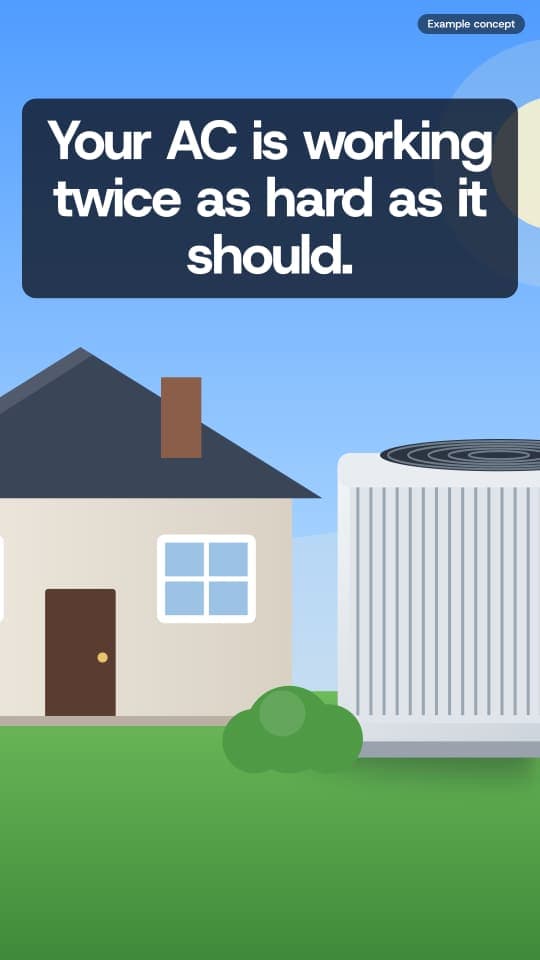
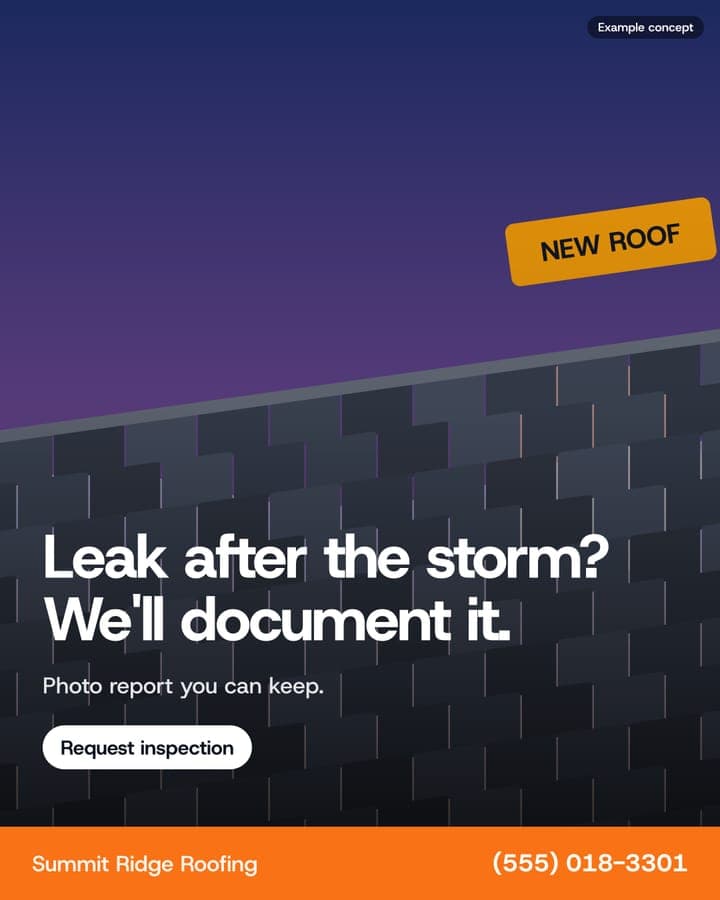
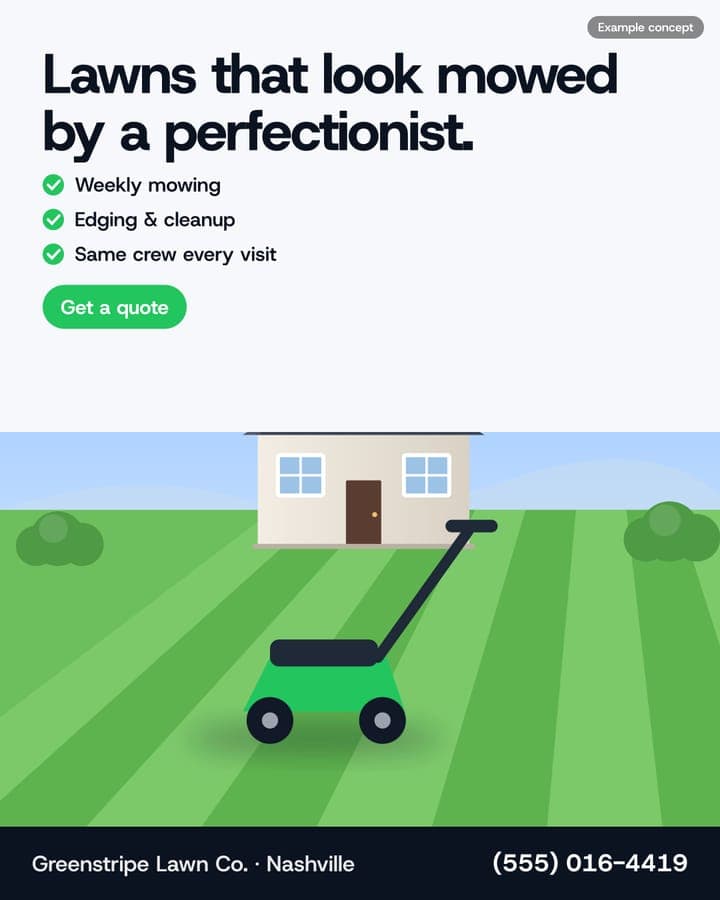
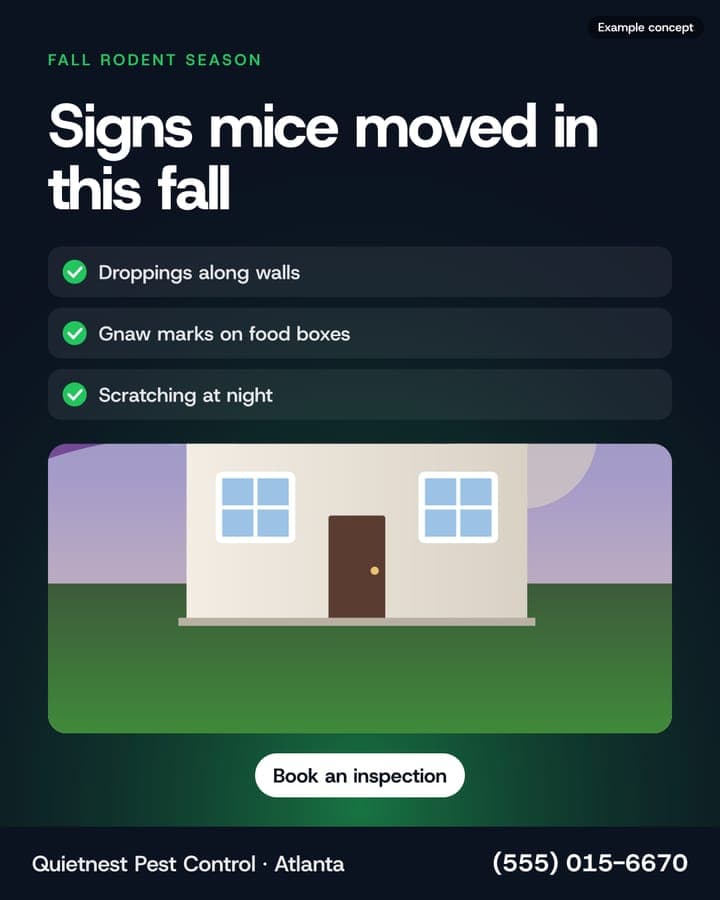
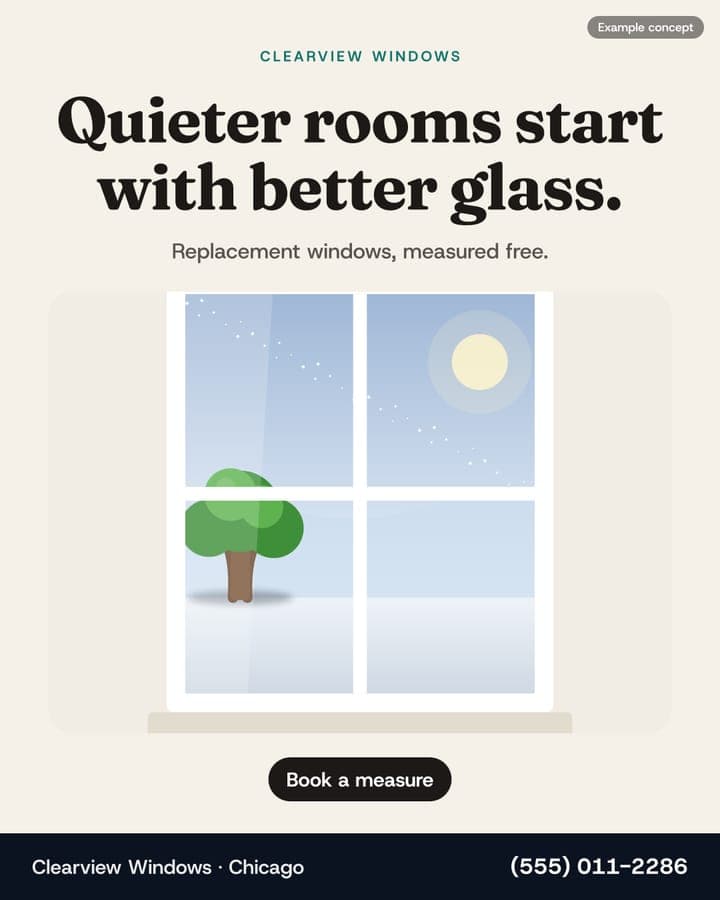
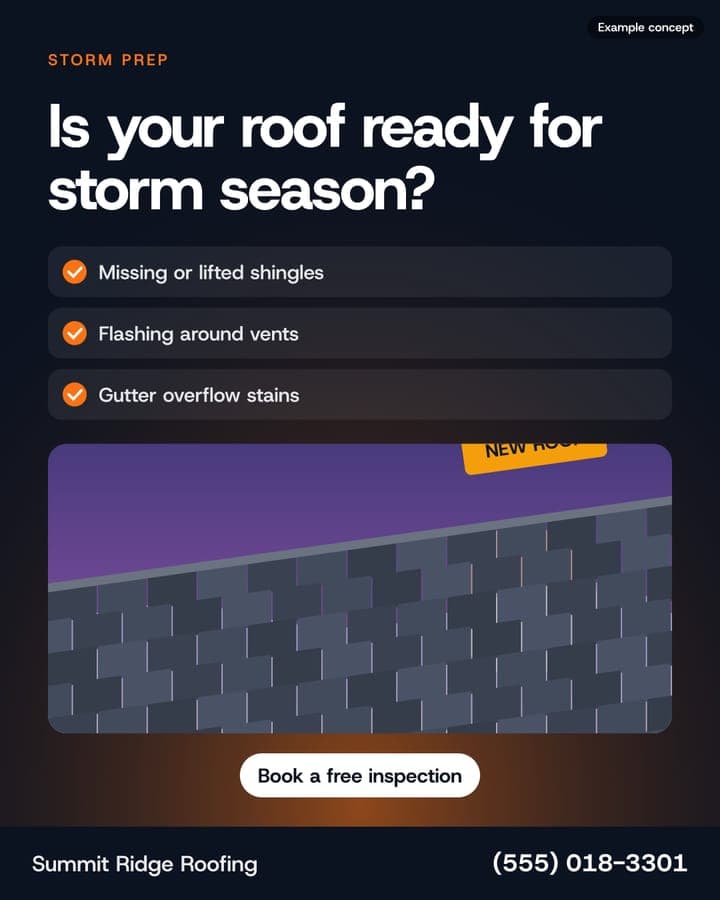
Image ads, commercial video, AI spokesperson, project showcases, seasonal offers and social posts — in every size.
4
Edit and approve
Change headlines, offers, colors and photos. Every edit is a version you can restore. Claims you haven't confirmed are flagged.
5
Download, publish or launch
Download files, schedule posts to connected accounts, or hand creatives to a campaign on your own ad account.
6
Measure what booked jobs
Inquiries keep their source. Track them to booked estimates, won jobs and collected revenue — separate from ad-network numbers.
7
Improve
Homivas recommends what to refresh or adjust next, with reasons. You decide — or let it act inside limits you set.

Get started
Stop leaving jobs on the table.
Create your first ads free. Self-serve from start to finish — no sales call, no card to start.
Try Homivas freeNo sales calls · No retainers · Cancel anytime